
hush-6e073519-c25e-4b4d-9c43-4684bfa36ed7
Blur your messy desktop to hide it during screen sharing
Hush Wants to Save You From Your Own Desktop. That's a Smaller Problem Than It Sounds, and a Bigger One Than You Think.
The Macro: The Screen-Sharing Embarrassment Economy Is Real
Here’s a thing that happens constantly: someone smart, prepared, and senior opens a screen share in front of fifteen people and their desktop looks like a crime scene. Browser tabs for things they didn’t mean to have open. A folder called “FINAL_FINAL_v3.” A wallpaper their kid set two years ago. It’s a small humiliation, repeated thousands of times a day across every remote-first company on earth.
The productivity software market is large and getting larger fast. Multiple sources peg it growing from somewhere around $62 to $70 billion today toward well over $140 billion by the early 2030s. AI productivity tools alone are reportedly tracking toward $115 billion by 2034, growing at nearly 28% annually. These are the kinds of numbers that make investors show up to pitches they shouldn’t.
But most of that market is capturing time, managing tasks, writing faster. The category Hush is playing in is narrower: the interface layer between your private digital life and whoever’s watching your screen. That’s not a crowded space. The closest things are virtual backgrounds in Zoom, OS-level “do not disturb” modes, and manual discipline. None of those solve what Hush is actually solving.
The “focus mode” angle puts it close to apps like TypeBoost, which is also betting on lightweight Mac utilities that quietly improve the quality of your working hours. The menu bar micro-app genre itself has proven durable. Prompt libraries, clipboard managers, keystroke launchers, the pattern is: tiny footprint, one clear job, daily use. Hush fits that mold precisely.
The question isn’t whether the problem exists. It does. The question is whether it’s a product or a feature.
The Micro: One Hotkey Between You and Your Chaos
Hush is a Mac menu bar app. That’s the whole form factor. It lives in your menu bar, stays out of your way, and activates when you need it.
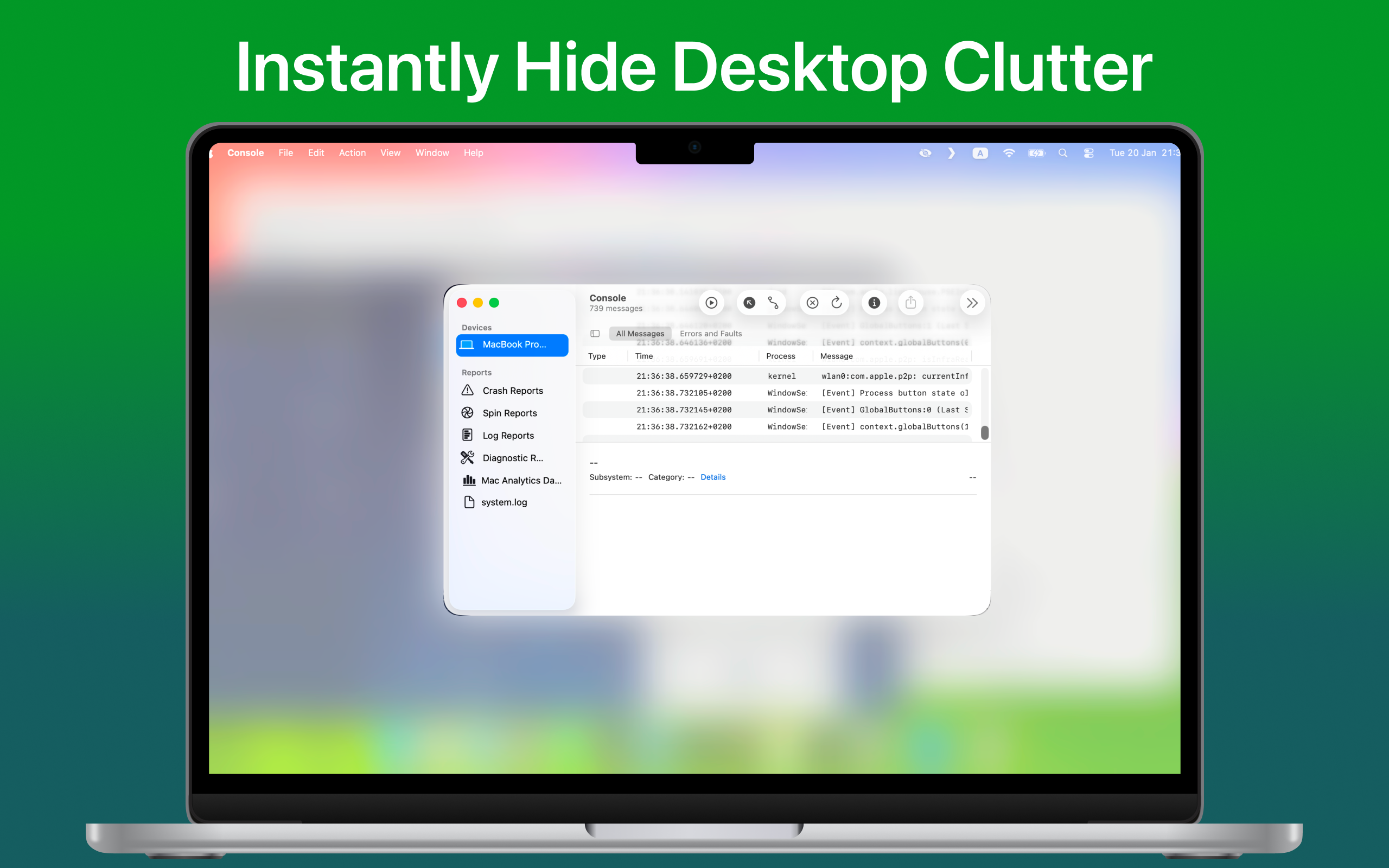
The core mechanic is simple: hit a hotkey and your desktop gets covered with a blur overlay. Not hidden entirely, blurred. Your actual app windows stay on top and visible. What disappears is everything underneath: desktop icons, your dock, your wallpaper, your widgets. The mess is gone. The work stays.
There are two modes, and the distinction is worth understanding.
Desktop Mode blurs the entire desktop background. This is the privacy play. You’re sharing your screen, someone might see something personal, and you just don’t want to think about it. One key press and it’s handled.
Focus Mode is more interesting. You pick which apps stay visible, and everything else gets blurred out. This is less about privacy and more about attention. It’s a soft constraint, not a hard lock. You can still see the blurred stuff if you squint, which is probably the right call. Hard locks create friction; gentle nudges change behavior without creating resentment. That’s a real product philosophy baked into a small decision.
The app got solid traction when it launched, which makes sense. This is the kind of product that people immediately understand and want to text to someone.
I’d put Hush in the same drawer as Shepherd, which uses ambient design choices to shift your attention rather than punish you for losing it. The philosophy is similar: make the better path easier, not the worse path harder.
What I don’t know, because there’s no scraped product page to work from, is the pricing model. Free? One-time purchase? Subscription? That matters a lot for a utility this narrow. And I couldn’t confirm founder details from the research. The sources returned were about different companies with overlapping names, so I’m not attributing anything there.
The product is clear. The business is less so.
The Verdict
Hush is a genuinely good idea executed at the right level of simplicity. It doesn’t try to be a productivity platform. It tries to do one thing cleanly, and from everything I can see, it does.
The risk is obvious: this is a feature, not a company, and the companies that own your screen sharing (Zoom, Teams, Google Meet) could ship something adjacent in a quarter if they cared. They probably don’t care yet. That window is real but not unlimited.
At 30 days, I’d want to know retention. Does someone install it, use it for three calls, and forget it exists? Or does it become a reflex? Menu bar apps live and die on that question. The ones that survive are the ones you stop noticing because they’re just always there.
At 90 days, I’d want to know if Focus Mode is actually being used, or if most people just want Desktop Mode and nothing else. If it’s the latter, Hush needs to either double down on privacy as the core story or expand Focus Mode into something more deliberate.
The hotkey utility for screen sharing is a real thing I would use. That’s probably the most honest take I can give.
Also featured on HUGE: Six Dollars and a Keyboard Shortcut: The Anti-Subscription Case for Prompt Management · NotchPad Hid a Clipboard Manager in the One Part of Your Mac Everyone Complained About