
liam
Email drafts in your voice + inbox organising + scheduling
LIAM Wants to Be the Assistant You Actually Had in Mind When You First Opened Gmail
The Macro: The Inbox Is a Disaster and Everyone Knows It
The productivity software market is not short on capital or attention. Depending on which research firm you ask, global business productivity software sits somewhere between $62.5 billion (Yahoo Finance, 2024) and $71 billion (Precedence Research, 2024), with projections climbing hard through the early 2030s. The AI-native slice of that was valued at roughly $8.8 billion in 2024 and is projected to hit $36 billion by 2033, growing at nearly 16% annually according to Grand View Research. The tailwind is real. Who actually captures it is less obvious.
Email is a particularly crowded corner of this market, and has been for years.
Microsoft Copilot is baked into Outlook for enterprise customers already paying for M365. Google’s Gemini integration sits natively inside Gmail for Workspace subscribers. SaneBox has been doing AI-driven inbox triage since before calling it AI was fashionable. Superhuman built an entire premium email client around the premise that power users would pay for speed, new interface and all. The incumbents have distribution. The specialists have loyal niches.
And yet the problem persists. Email volume hasn’t dropped. The average knowledge worker still spends somewhere north of two hours a day in their inbox, and the gap between “email I need to deal with” and “email I’ve actually dealt with” remains a source of low-grade professional dread for most people. The category is large, established, and still somehow unsolved. That’s either a warning sign or an opportunity, depending on your tolerance for competition.
The Micro: No New App. That’s Actually the Whole Pitch.
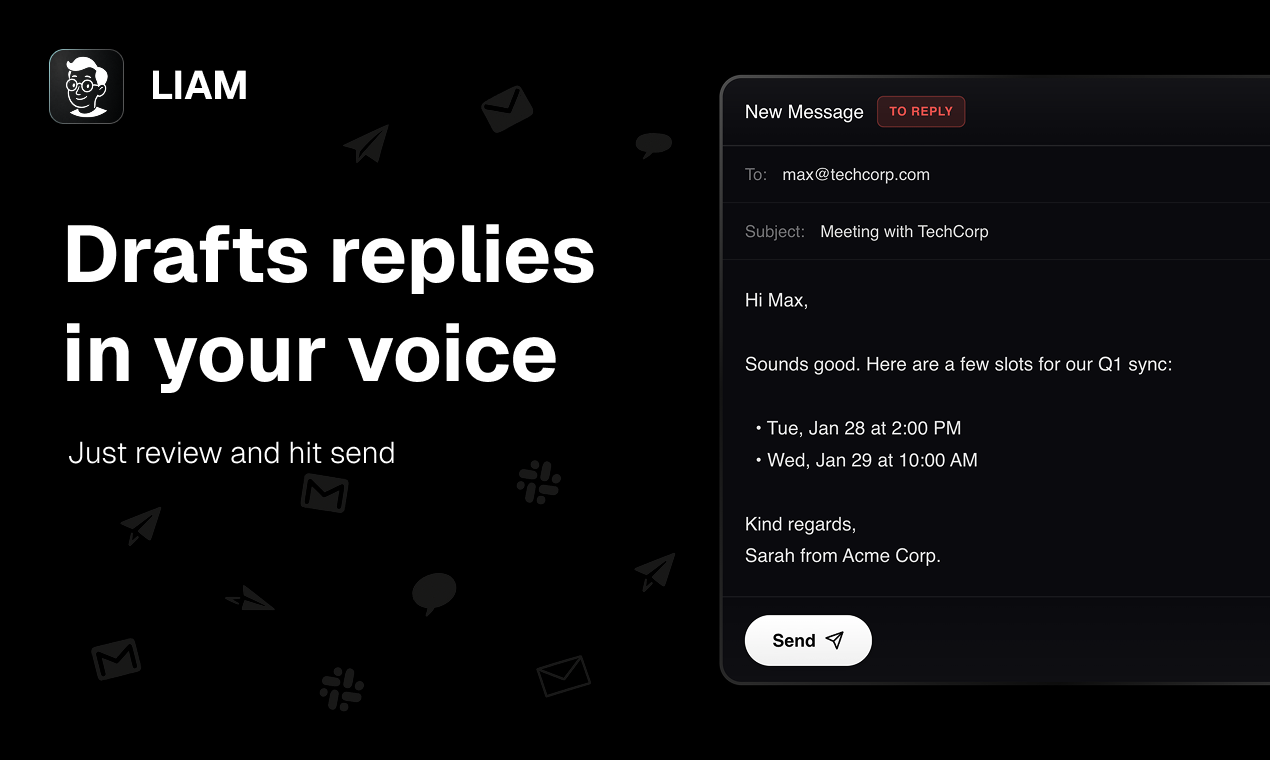
LIAM does three things: drafts email replies in your voice, auto-labels and prioritizes your inbox, and helps with scheduling. It connects to Gmail. No installation required, no new interface to learn. It lives in your mailbox. Setup is, according to the product, about one minute.
That last design decision is worth pausing on.
Superhuman required you to abandon your existing email client. Most AI writing tools require you to copy-paste into a separate interface, do the thing, copy-paste back. LIAM’s bet is that context-switching is exactly why these tools don’t stick. A tool that lives where your email already lives will actually get used. It’s a defensible theory.
The voice-matching piece is where things get technically interesting. Drafting in “your tone” is a promise a lot of tools make and most deliver inconsistently. The product doesn’t specify what signals it’s learning from. Presumably existing sent mail, though that’s not confirmed on the public-facing site. That’s a detail I’d want to know before handing over Google OAuth access to anything. What is confirmed: LIAM holds approval authority at the user level. Nothing sends without you saying so. That’s a non-negotiable design choice for this category, and it’s the right one.
The product holds a CASA Tier 2 certification and claims GDPR compliance, which suggests at least some security review has occurred. That matters. A lot of tools in this space have launched without it.
It got solid traction on launch day on Product Hunt. The comment count was low relative to upvotes, which usually indicates people liked the concept more than they engaged with it deeply.
The Verdict
LIAM is doing something sensible in a space full of tools that overcomplicate their own value proposition. The zero-installation, lives-in-your-inbox approach is a genuine UX bet, not just a marketing frame. If the voice matching actually works consistently, that’s the feature keeping users from churning back to writing everything themselves.
The risks are predictable but real.
Gmail inbox integrations are Google’s to revoke or replicate. Gemini for Workspace is getting better and ships to users who don’t have to make a separate purchase decision. The moat here, if one exists, is voice fidelity and UX polish. Neither is defensible forever.
What would make this work at 90 days: retention data showing users are still actively approving and sending drafts, not just connecting and forgetting. What would make it fail: voice matching that produces drafts good enough to impress on day one and bland enough to stop using by day fifteen. That’s exactly what happens with most tools in this category.
I’d also want to know the pricing model, the data handling specifics around sent-mail training, and whether the scheduling feature adds genuine intelligence or just surfaces calendar availability. None of that is answered publicly yet.
Interesting enough to try. Unproven enough to watch.
Also featured on HUGE: TamLabs Thinks AI Can Redesign Knowledge Work and They’re Starting with Professional Services · Vercel Wants to Own the Whole Stack, Not Just the Edge · OpenAI’s New Codex Helped Build Itself. That’s Either Impressive or a Warning Label.